
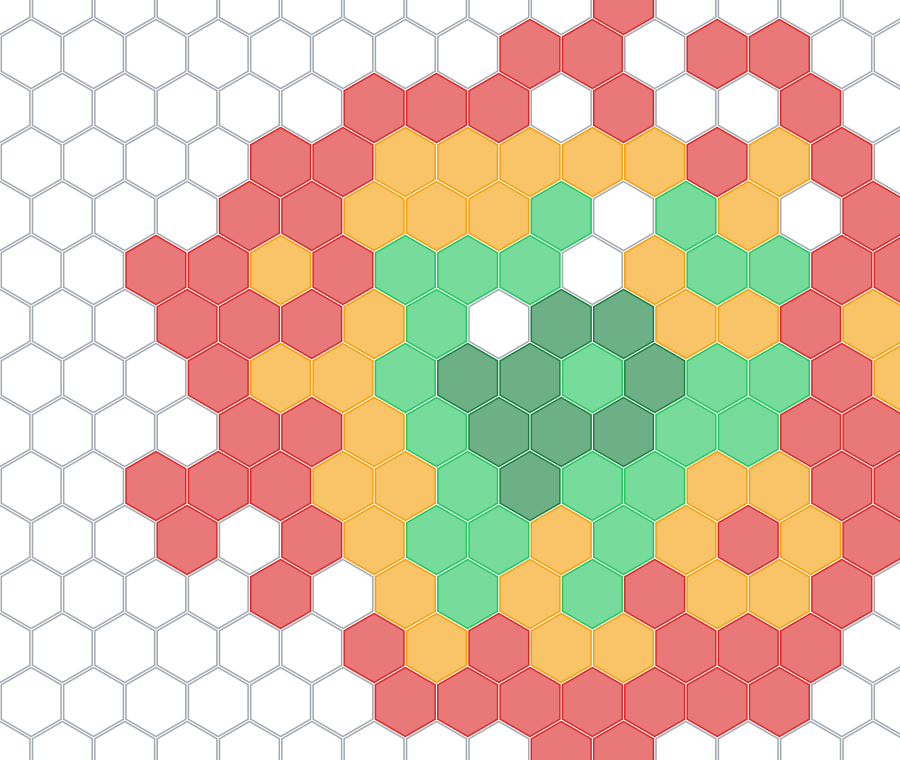
Every trip fills in the map.
Carriers publish maps of the coverage they promise. LastBar shows the coverage that phones found, place by place and carrier by carrier.
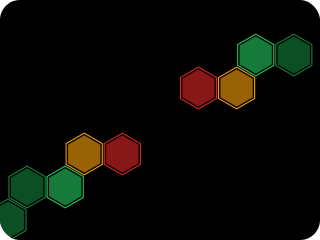
Your phone maps as you move
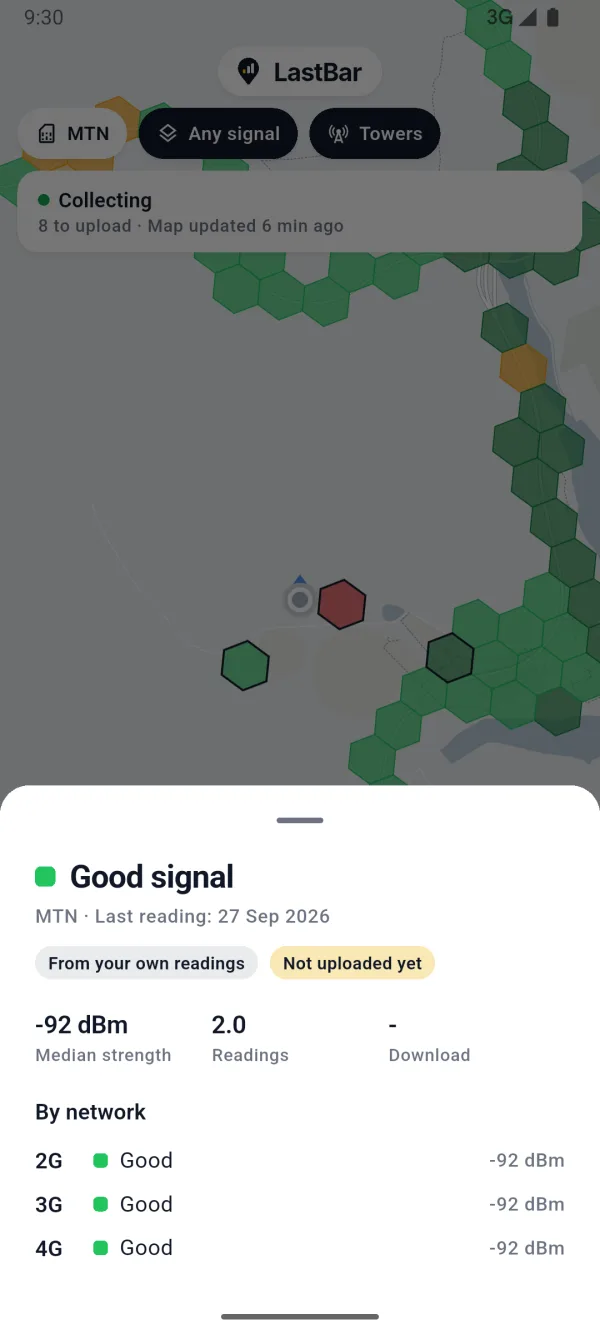
As you travel, LastBar notes the signal of your network every few minutes. Each place becomes a cell on the map: green where it is strong, red where it is weak, empty where there is none.
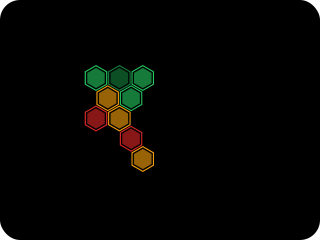
Works with no connection
What your phone measures shows on your own map at once, with no internet needed. Readings wait on your phone and go up by themselves when a connection returns.
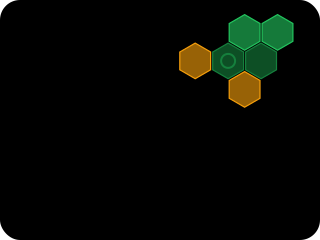
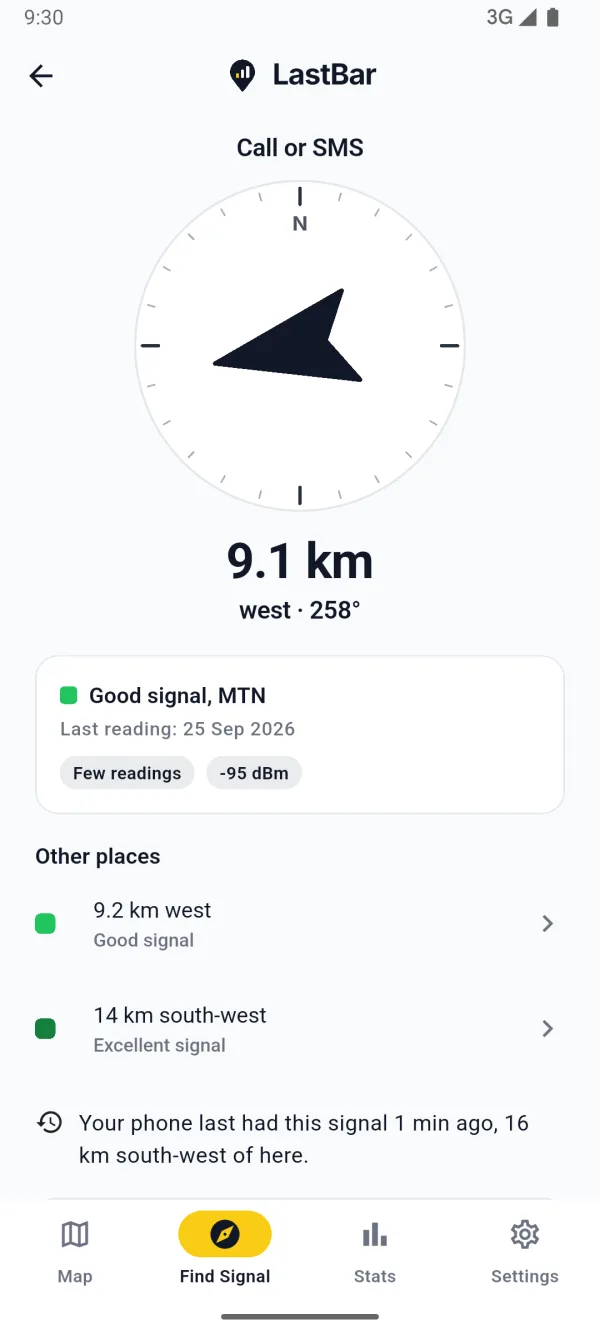
Find Signal points the way
Stuck? Find Signal gives the distance and the direction to the nearest place with signal on your carrier, for an emergency call, a call or data. It works offline too.
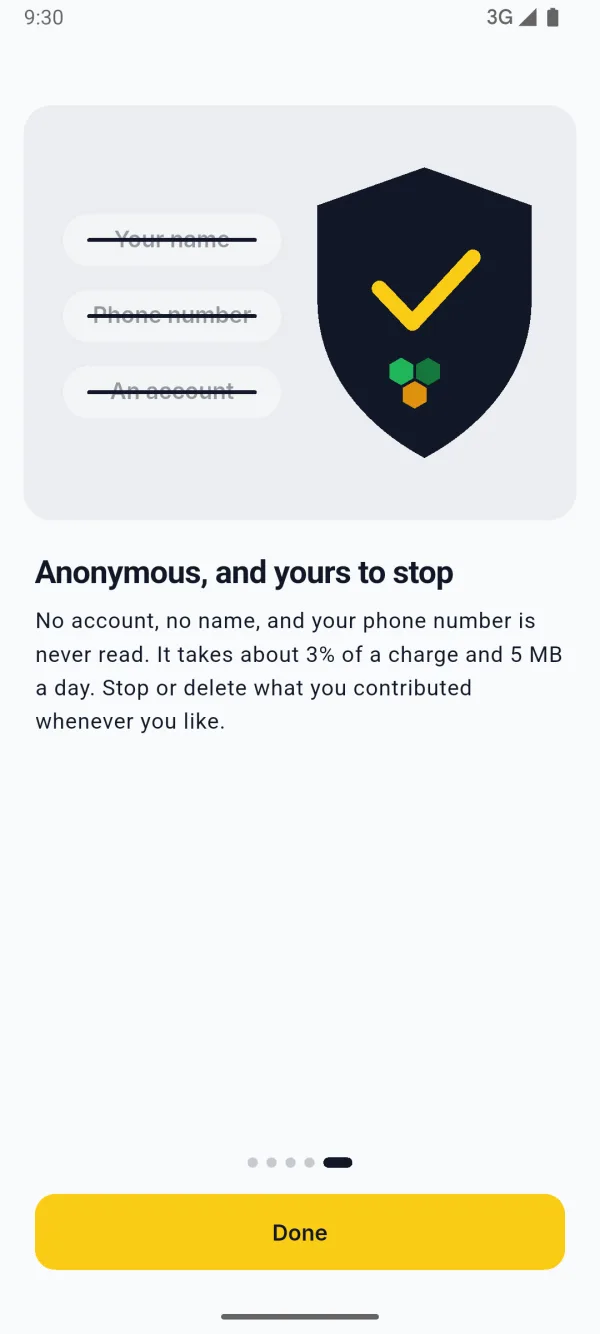
Anonymous, and yours to stop
No account, no name, and your phone number is never read. It takes about 3% of a charge and 5 MB a day. Stop or delete what you contributed whenever you like.
Made for the places with no signal.
Those are the places where you need it most. The coverage around you is kept on your phone, and so is the map of any area you save before a trip.
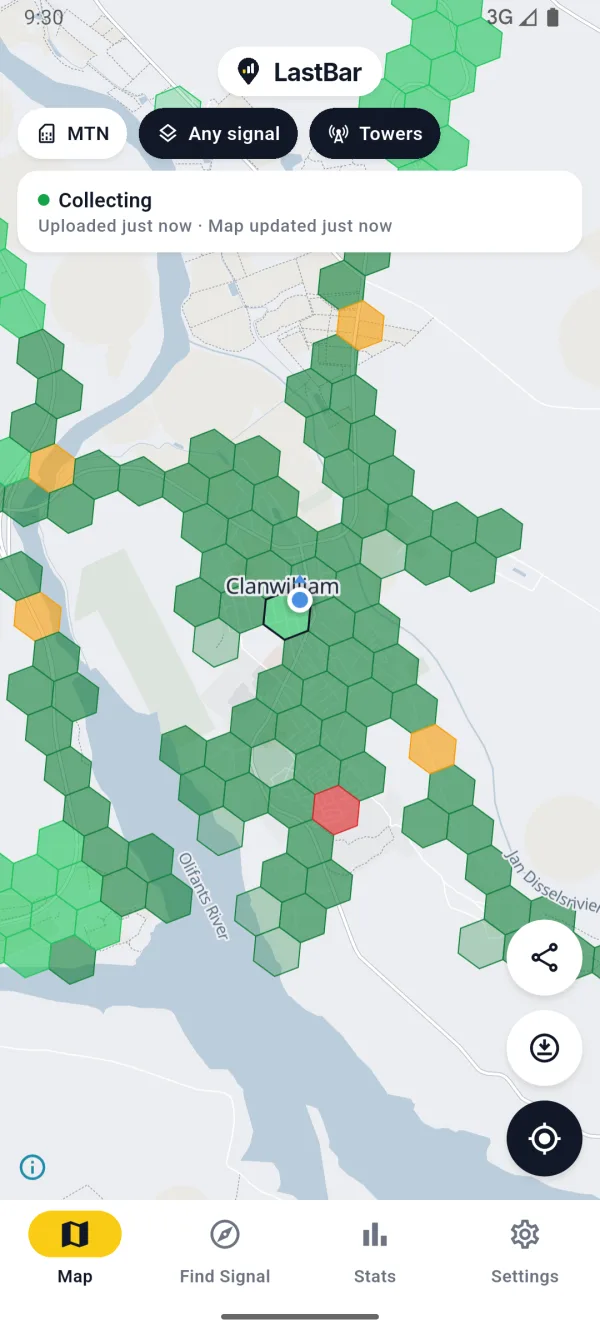
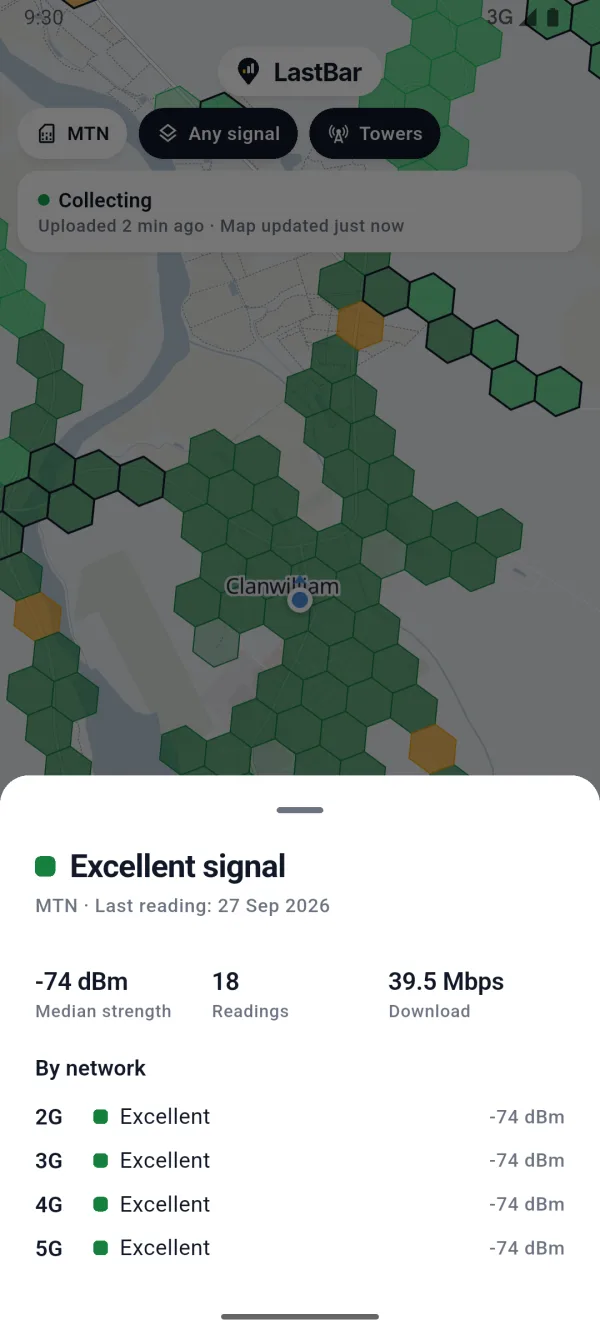
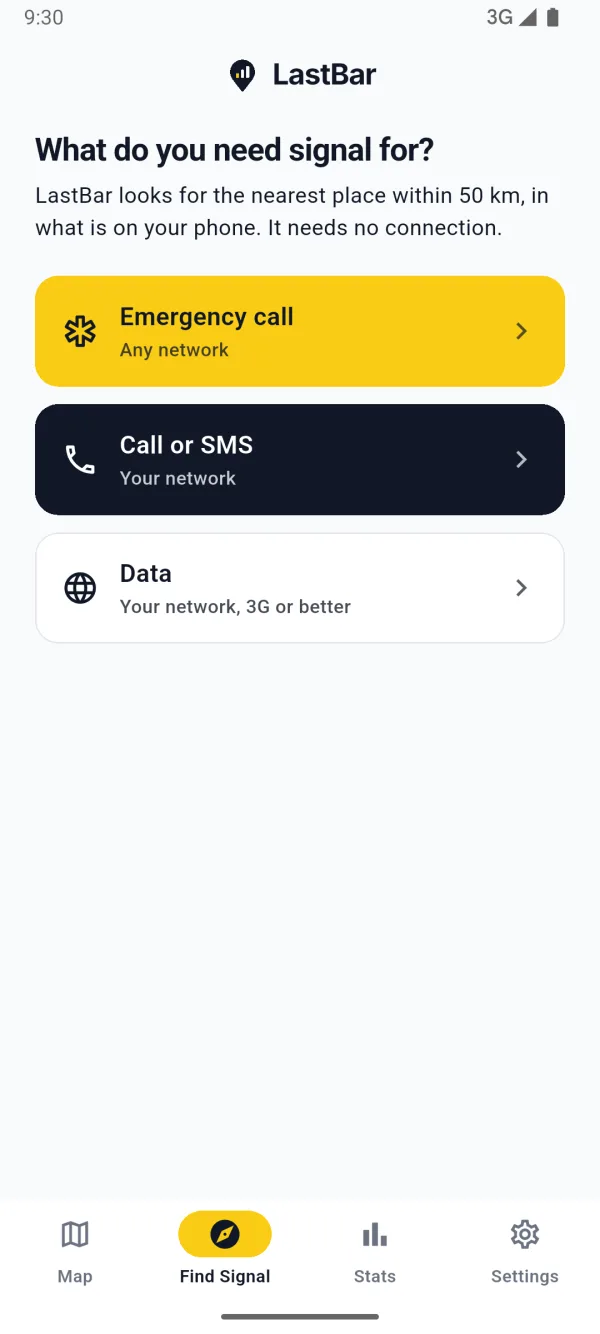
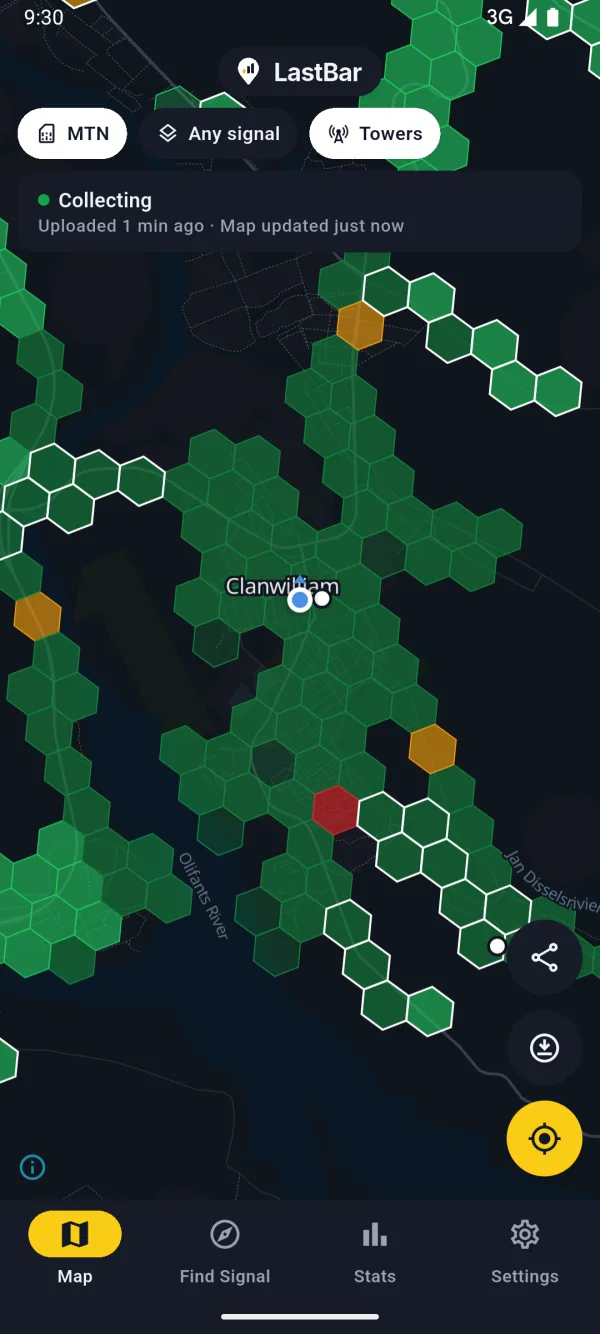
The coverage in these pictures was made up to show the app. It is not the coverage of the town in them.
A map you can read at a glance.
- Excellent
- Good
- Fair
- Weak
- No signal
A map for each carrier
See the coverage of your carrier, or the best of all of them. Show any signal, voice, or data on 3G, 4G or 5G.
Find Signal
Choose what you need: an emergency call on any network, a call or SMS on your own, or data. The arrow turns with your compass as you go.
Save an area before a trip
Take the map and the coverage of an area with you, to have both where there is no connection.
Your own readings
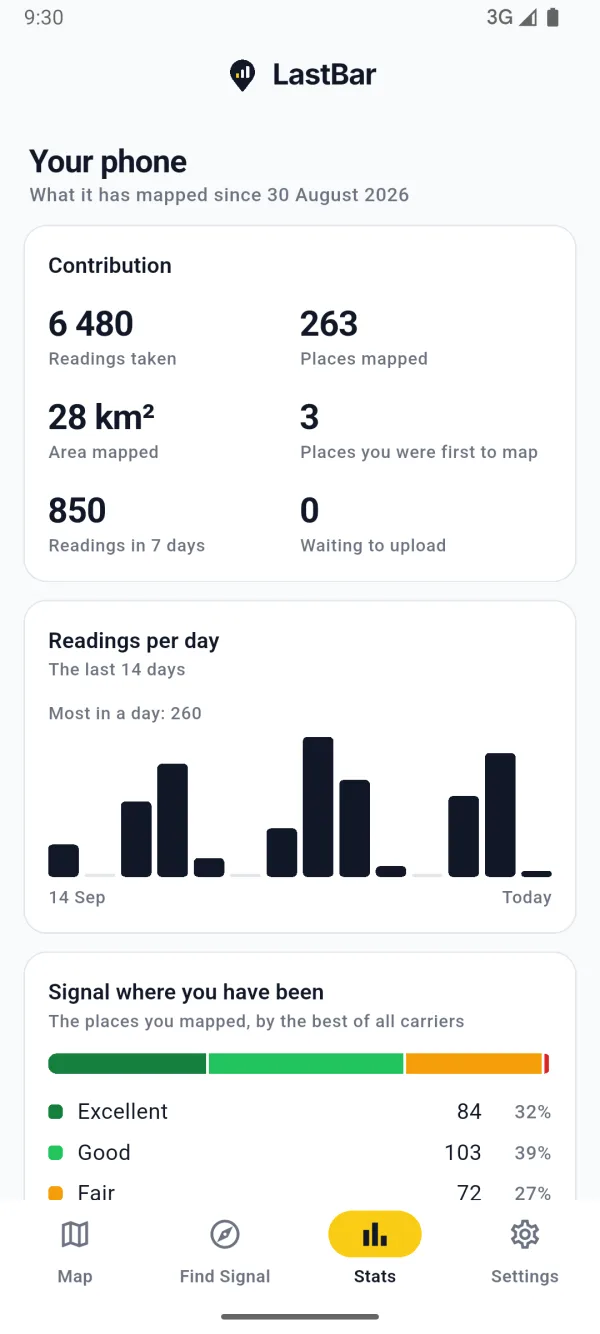
Every reading is kept on your phone first. Yours are marked on the map, so you can see where you have been and what you found there.
Light on battery and data
Choose how often it takes a reading, whether it collects in the background or only while the app is open, and whether it uploads on Wi-Fi only.
No account, no sign-in
LastBar never reads your phone number, your contacts or your calls. Readings are combined into map cells before anyone sees them.
Know where the last bar is, before you lose it.
- Farms and remote roads
- Road trips and overlanding
- Hiking and camping
- Work in the field
- Choosing a carrier
Honest about what it is.
- The map is as good as its readings. Where nobody has been with LastBar yet, it is empty. There it can show the estimated position of towers instead, and says that it is an estimate.
- Coverage changes. A reading says what was, and not what will be. In an emergency, call your local emergency number.
- Location in the background is your choice. LastBar collects location data to map mobile coverage along the way you travel, even when the app is closed or not in use. A notification shows for as long as it collects, with a button to stop. The map and Find Signal work without it.
- Free, with one small ad. A banner under the map, never personalised, and never on Find Signal. LastBar Pro, bought once, takes it away and lets you save more areas.
Put it on your phone before the signal drops.
The map has to be on your phone before you need it. Every trip you take fills it in, for you and for everyone after you.

 Coming soon to iPhone